
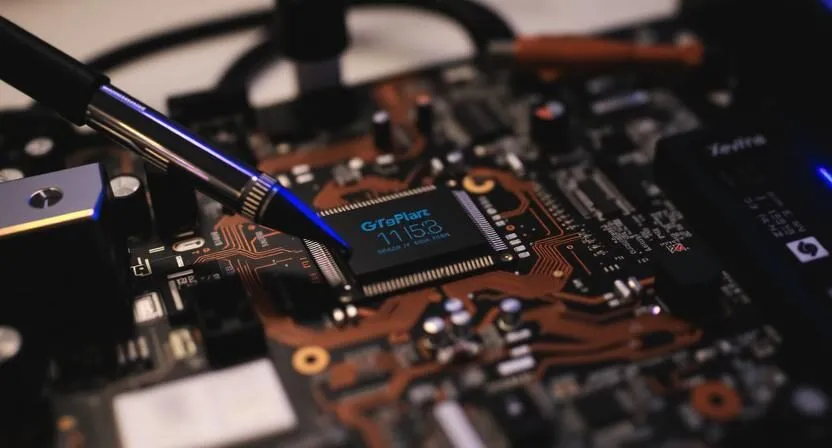
Premium BIOS
Premium BIOS Explained: When Default BIOS Fails and What Technicians Should Do
Introduction
In motherboard repair, BIOS problems are often misunderstood. Many technicians believe that flashing any available BIOS file will solve no‑display or dead board issues. In reality, default BIOS files do not always work, especially on modern laptop and desktop motherboards. This is where the concept of a Premium or Fixed BIOS comes in.
This article explains what premium BIOS really means, when it is required, and what technicians should do instead of using random firmware files. The discussion is purely educational and applies to boards such as [DELL HP ASUS LENOVO ACER TOSHIBA SAMSUNG ETC.] and other modern platforms.
What Is a Premium BIOS?
A “Premium BIOS” is not a special or magical file. It usually refers to a repaired, rebuilt, or board‑specific BIOS firmware that has been modified to work correctly with a particular motherboard condition.
In many cases, premium BIOS means:
- Cleaned or rebuilt firmware regions
- Correct board ID and configuration
- Proper EC and BIOS pairing
- Removal of corruption or invalid data
It is not simply a newer version downloaded from the internet.
Why Default BIOS Files Sometimes Fail
Manufacturers provide generic BIOS updates, but these updates assume the motherboard is already healthy. Problems occur when:
- The original BIOS is corrupted
- EC firmware is mismatched
- Board revision does not match the BIOS
- Previous flashing failed
In such cases, flashing a default BIOS may not restore functionality.
Common Symptoms That Indicate BIOS-Level Issues
A motherboard may require BIOS repair or rebuilding if it shows:
- Power ON but no display
- All voltages present but no boot
- No charging or battery detection
- Fan spins but system stays dead
- Boot loop after BIOS update
These symptoms are frequently seen on boards like [DELL HP ASUS LENOVO ACER TOSHIBA SAMSUNG ETC.] , but they apply to many platforms.
Why Random BIOS Downloads Are Risky
Downloading BIOS files from unknown sources can cause serious problems:
- Wrong board ID or region data
- Permanent EC lock
- Loss of power sequencing
- Increased risk of hardware damage
Professional technicians avoid random files and focus on diagnosis first.
How Professionals Approach BIOS Problems
Instead of guessing, professionals follow a structured process:
- Confirm Hardware Health
Power rails, clocks, and signals are checked before touching firmware. - Analyze the BIOS Dump
Existing BIOS data is inspected for corruption or missing regions. - Match Board Information
Model, revision, chipset, and EC firmware are verified. - Rebuild or Repair Firmware
Only required sections are repaired or rebuilt.
This approach minimizes risk and improves success rates.
BIOS Repair vs BIOS Update (Important Difference)
- BIOS Update: Manufacturer-provided firmware update for a working board
- BIOS Repair: Technical process to restore corrupted or mismatched firmware
Using an update file for repair purposes often fails because the root problem is not addressed.
When a Premium BIOS Will NOT Fix the Problem
Not every fault is BIOS-related. BIOS repair will not fix:
- Short circuits on power rails
- Missing clocks due to hardware damage
- Dead PCH, CPU, or EC chips
- Physical board damage
This is why proper diagnosis is essential before firmware work.
Best Practices for Technicians
- Always back up the original BIOS
- Verify board revision before flashing
- Avoid blind flashing
- Use schematics and BoardView files
- Treat BIOS as part of a system, not a standalone fix
These practices reduce failure rates significantly.
Final Thoughts
“Premium BIOS” is not about downloading rare files — it is about understanding firmware, board condition, and system behavior. Professional BIOS repair focuses on analysis, accuracy, and safety.
If a motherboard such as [DELL HP ASUS LENOVO ACER TOSHIBA SAMSUNG ETC.] fails to boot even with correct voltages, BIOS repair may be necessary — but only after proper diagnosis.
Explore more schematic, BoardView, and diagnostic guides on RC4BD to build safer and more reliable repair skills.